
title: "Getting Started with the Nubra API: A Video-First Guide" summary: "A central hub blog that maps the Nubra YouTube playlist to a structured learning flow for developers and algo traders." tags: ["API Integration", "API Trading", "Algo Trading", "Authentication & Security", "Execution & Order Management", "Market Data", "Trading Automation"] readTime: "7 min" publishDate: "2026-02-18" author: "Aryan : Algo Trader & Analyst"#
Getting Started with the Nubra API#
This blog acts as the official companion guide to the YouTube playlist "How to Get Started with the Nubra API."
It is designed for developers, quantitative traders, and technical teams who want a clear, video-first path to building trading and market-data applications using the Nubra API and Python SDK.
Rather than duplicating documentation, this guide explains:
- What to learn
- In what order
- Why each step matters
Each section below maps directly to a video in the playlist.
Quick Links#
- YouTube Playlist: How to Get Started with the Nubra API
- API Documentation: Nubra API Docs
Recommended Learning Flow#
Follow the videos in sequence for best results. Each video builds on the previous one.
1. Installing the Nubra Python SDK#
| Thumbnail | Details |
|---|---|
 ▶ YouTube: Watch Video Docs: Python SDK Intro | Every Nubra API workflow begins with a properly installed SDK. Follow these setup steps: • Install the Nubra Python SDK • Verify installation • Prepare your environment for API usage What This Video Covers: • Start from official Nubra API docs, then open the Python SDK install page. • Copy the pip command and run it in terminal/command prompt to complete setup in seconds. This step removes setup friction and ensures consistency before authentication. |
2. Authentication & Login Using Nubra Python SDK#
| Thumbnail | Details |
|---|---|
 ▶ YouTube: Watch Video Docs: Authentication | Authentication defines the session lifecycle for all API operations. Follow this login workflow: • OTP and MPIN-based login • UAT vs PROD environments • Secure session handling What This Video Covers: • Copy the auth sample from docs, choose uat for testing or prod for live.• Keep logout commented while running follow-up API calls in the same active session. Understanding authentication early prevents issues later in live trading. |
3. Retrieve Instruments & Index Master#
| Thumbnail | Details |
|---|---|
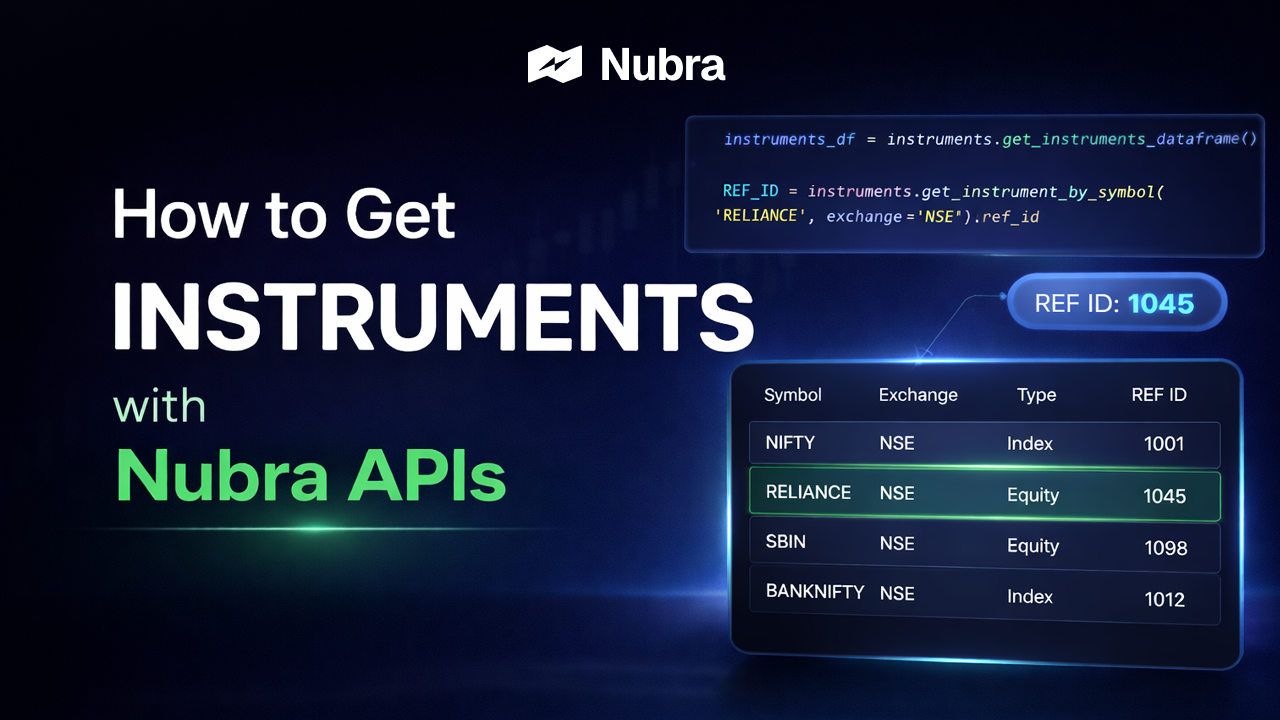 ▶ YouTube: Watch Video Docs: Get Instruments | Before placing orders or subscribing to market data, reference data is required. Use this reference-data workflow: • Instrument Master • Index Master • How ref_id values are used across APIsWhat This Video Covers: • Instrument Master covers tradable symbols; Index Master covers supported index metadata. • The video demonstrates lookups by ref_id, trading symbol, name, and pattern filters.This data underpins orders, option chains, and WebSocket subscriptions. |
4. Place Your First Order with Nubra APIs#
| Thumbnail | Details |
|---|---|
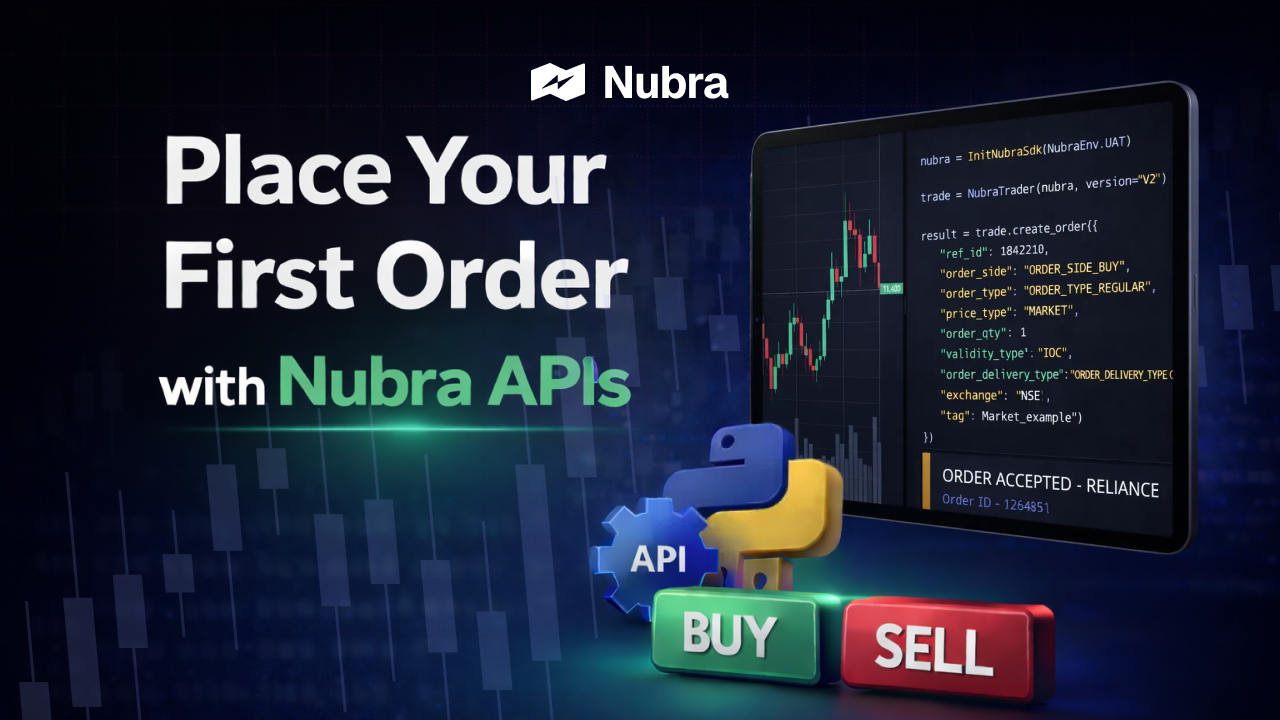 ▶ YouTube: Watch Video Docs: Place Order | This is the transition from setup to execution. Follow this first-order workflow: • Order parameters • API responses • Safe execution in the UAT environment What This Video Covers: • The walkthrough starts from limit-order examples in docs, then customizes ref_id, side, qty, and price.• It validates order placement by comparing account order screens before and after script execution. It establishes the foundation for all further trading workflows. |
5. Stream Realtime Market Data#
| Thumbnail | Details |
|---|---|
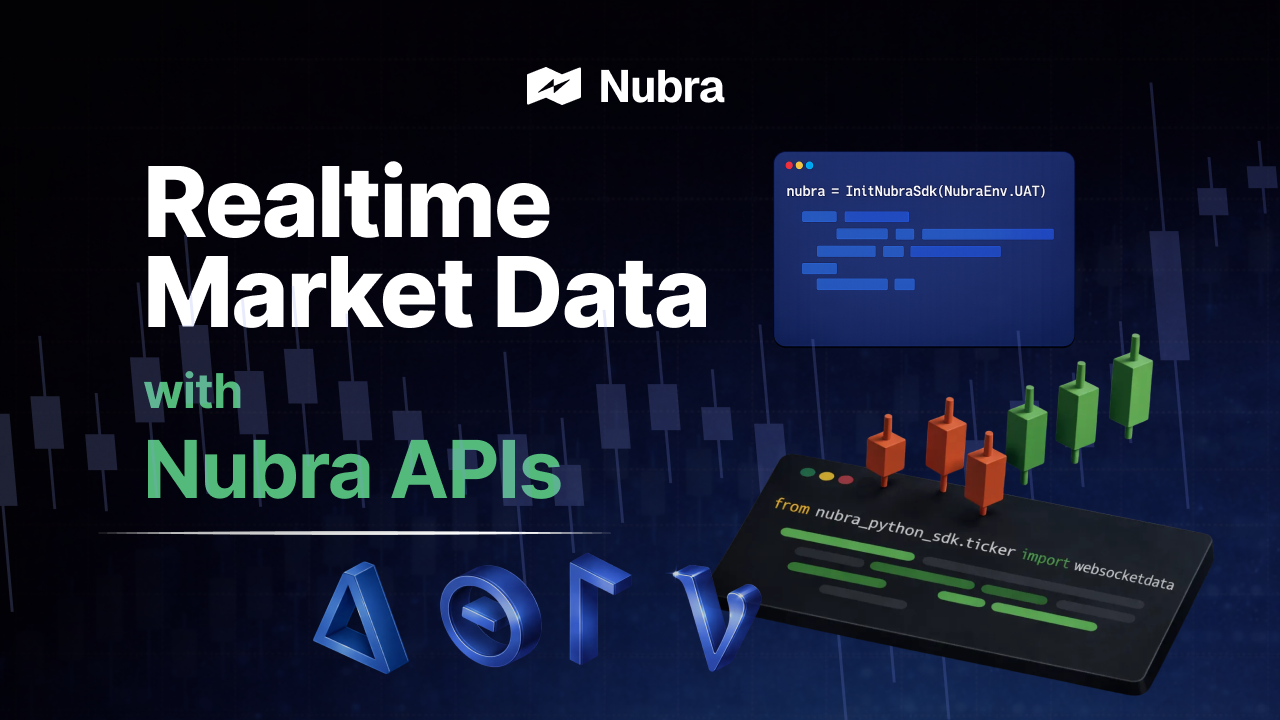 ▶ YouTube: Watch Video Docs: Realtime Data | Realtime data uses WebSocket-based streaming. Use this realtime-data workflow: • Subscribing to live data • Receiving updates in real time • Use cases like dashboards and strategy triggers What This Video Covers: • The video highlights available realtime streams and demonstrates index feed subscription first. • After validating terminal output, it shows how to visualize the same stream in a custom UI layer. It clearly distinguishes streaming data from REST snapshots. |
6. Stoploss & Iceberg Orders#
| Thumbnail | Details |
|---|---|
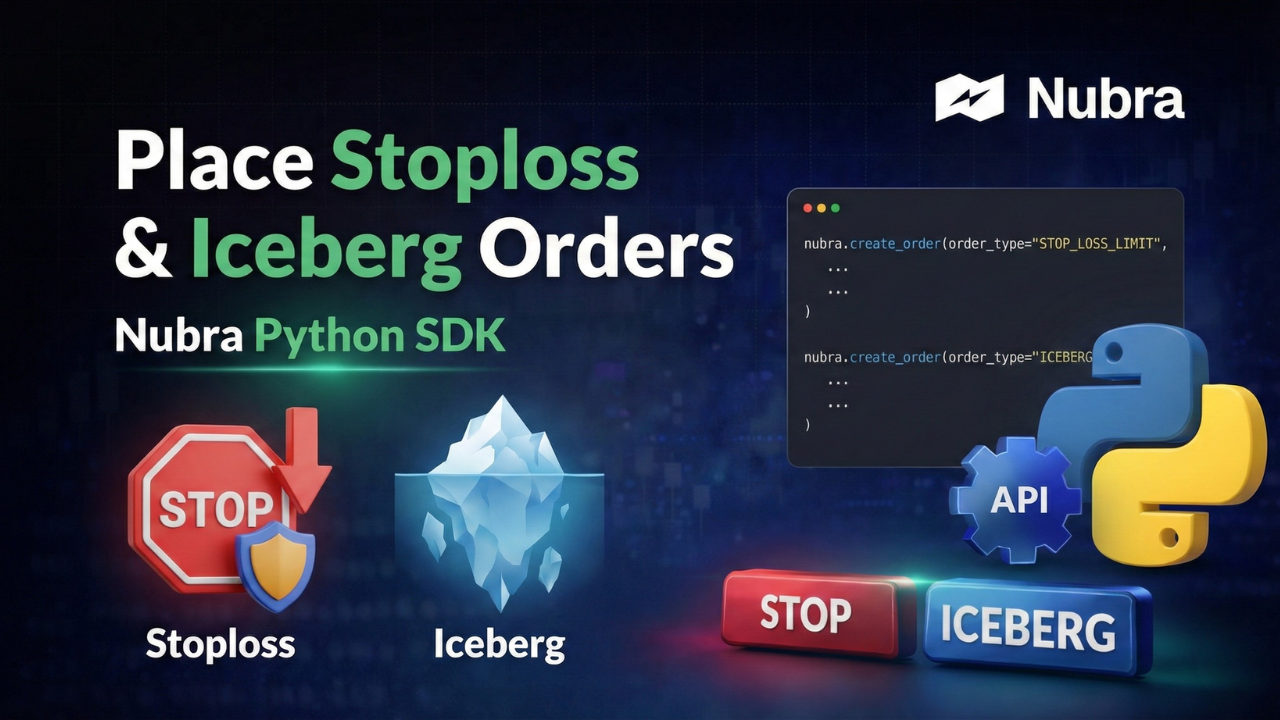 ▶ YouTube: Watch Video Docs: Place Order Types | Advanced order types help manage risk and execution impact. Use this risk-order workflow: • Trigger-based Stoploss orders • Quantity slicing using Iceberg orders • Execution behavior in different environments What This Video Covers: • The flow demonstrates stoploss first, then iceberg, with order status checks in UAT screens. • Environment switching ( uat to prod) is shown as the key step to move from testing to live.Use these order types when you need tighter risk control, reduced slippage on larger quantities, and cleaner execution behavior during fast markets. |
7. Flexi Basket Orders#
| Thumbnail | Details |
|---|---|
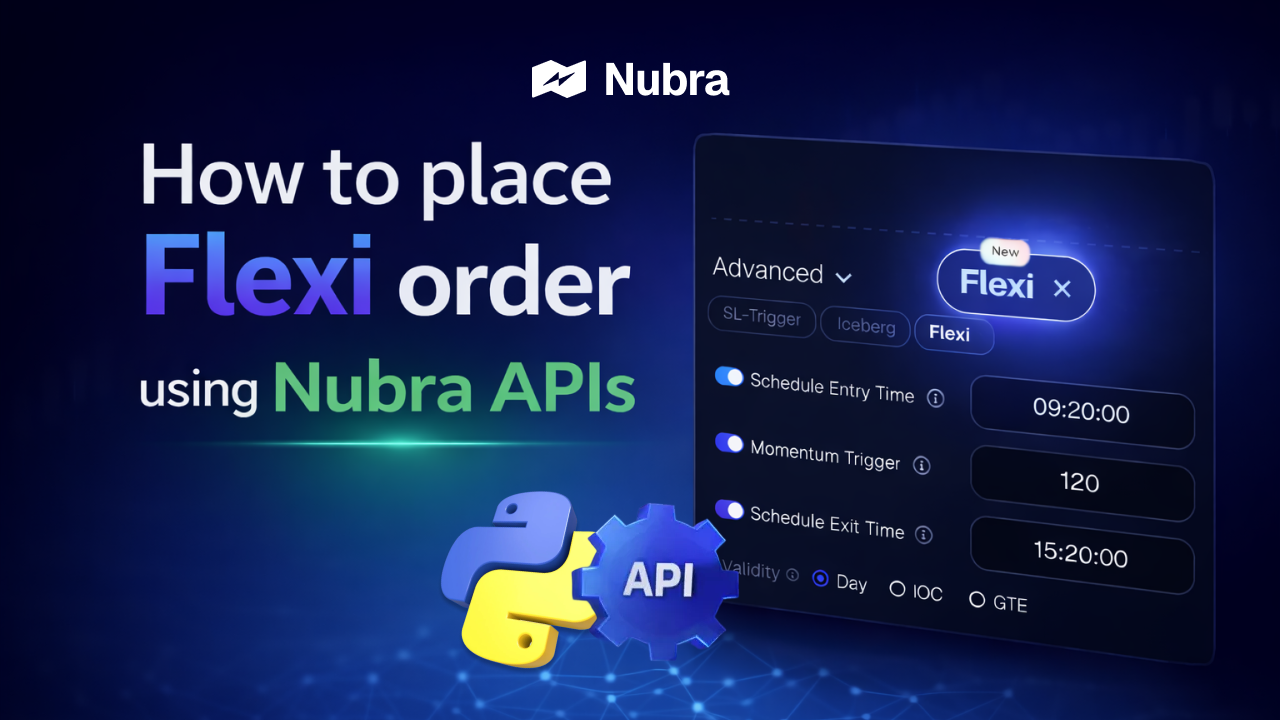 ▶ YouTube: Watch Video Docs: Place Flexi Order | Flexi Basket Orders enable strategy-level execution. Use this basket-order workflow: • Place multi-leg strategies as a single API call • Benefit from combined margin calculation • Execute complex options strategies cleanly What This Video Covers: • Flexi baskets are positioned against leg-by-leg orders with emphasis on net-strategy margin benefit. • The example updates strikes/expiry per strategy and submits all legs together to reduce partial-leg risk. This is most useful when your strategy depends on leg coordination and you want to avoid manual, leg-by-leg execution risk. |
8. Automated Authentication Using TOTP#
| Thumbnail | Details |
|---|---|
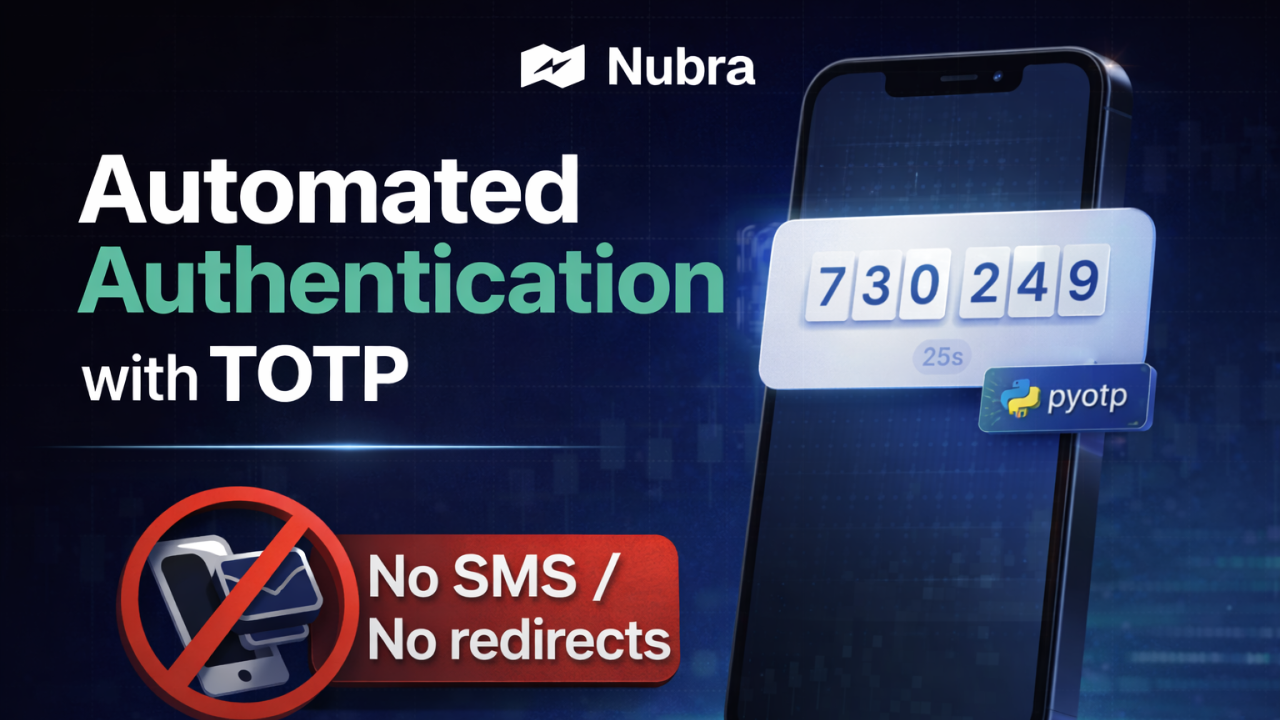 ▶ YouTube: Watch Video Docs: TOTP Authentication | This video focuses on automation readiness. Use this authentication workflow: • TOTP-based authentication • Running scripts without manual OTPs • Server-side and unattended execution What This Video Covers: • The process first generates and securely stores a TOTP secret using one manual verification cycle. • That secret is then plugged into the automation script for repeatable non-interactive login. This is essential for production systems. |
9. Option Chain Market Data#
| Thumbnail | Details |
|---|---|
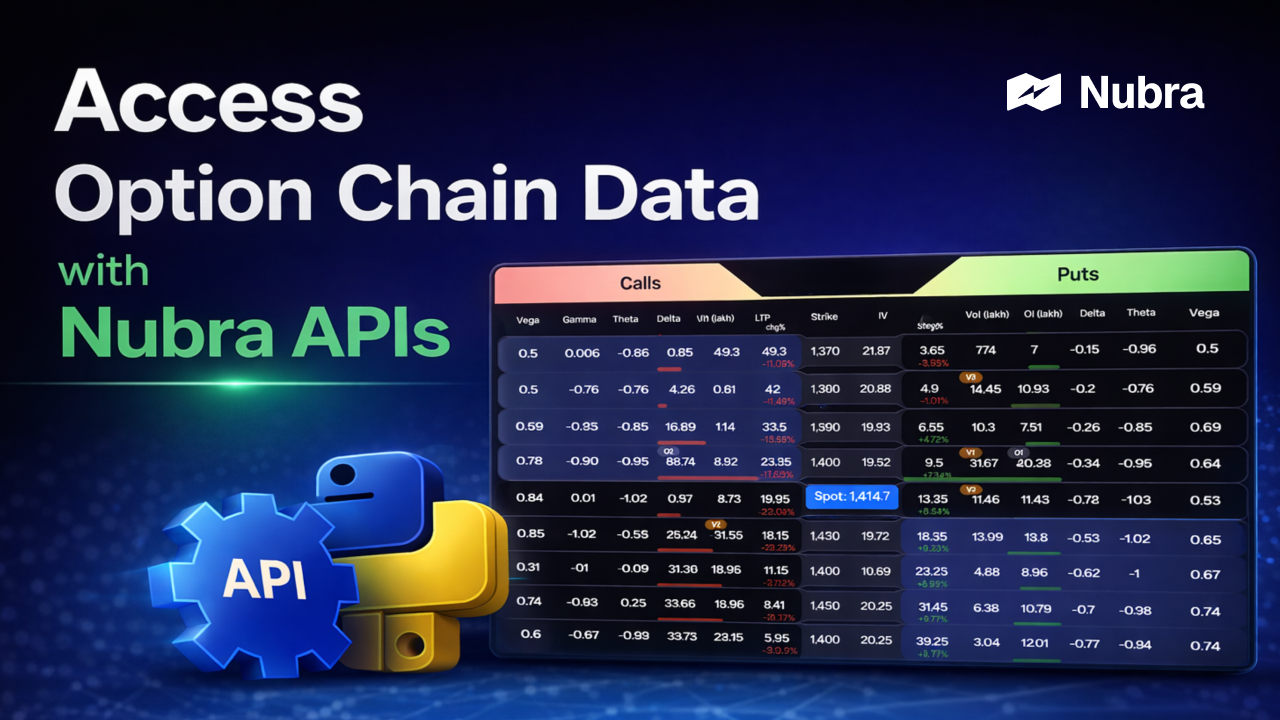 ▶ YouTube: Watch Video Docs: Option Chain Snapshot Docs: Option Chain Realtime | Option Chain APIs provide snapshot-based market data. Use this option-chain workflow: • Greeks, Open Interest, expiries • Snapshot vs streaming clarification • Strategy analysis inputs What This Video Covers: • The walkthrough highlights response fields like OI, Greeks, volume, bid/ask levels, and strikes. • It explicitly calls out that this endpoint is snapshot data; realtime requires dedicated stream APIs. Apply this flow to build screening, strategy evaluation, and strike-selection logic with clear separation between snapshot and realtime use cases. |
10. Retrieve Positions & Portfolio#
| Thumbnail | Details |
|---|---|
 ▶ YouTube: Watch Video Docs: Positions Docs: Holdings Docs: Funds | The final step focuses on account visibility. Use this portfolio workflow: • Retrieve positions • Access holdings and funds • Monitor portfolio state programmatically What This Video Covers: • The demo starts at portfolio endpoints and focuses on positions with environment toggle support. • It adds terminal output checks to confirm account-state retrieval end to end. This completes the execution-to-monitoring loop. |
How to Use This Playlist Effectively#
- Always start in UAT
- Validate each step before moving forward
- Follow the sequence without skipping
- Refer to documentation alongside videos
Disclaimer#
This playlist and blog are for educational and informational purposes only. Nubra does not provide investment advice. Trading in securities and derivatives involves market risk. Users should thoroughly test systems before deploying them in live environments.
Final Note#
This blog serves as the entry point to Nubra's API ecosystem.
Combined with the video playlist and official documentation, it provides a structured foundation for building reliable, automation-ready trading systems with Nubra.